How to Summarize a WhatsApp Chat Export with AI
· 6 min read
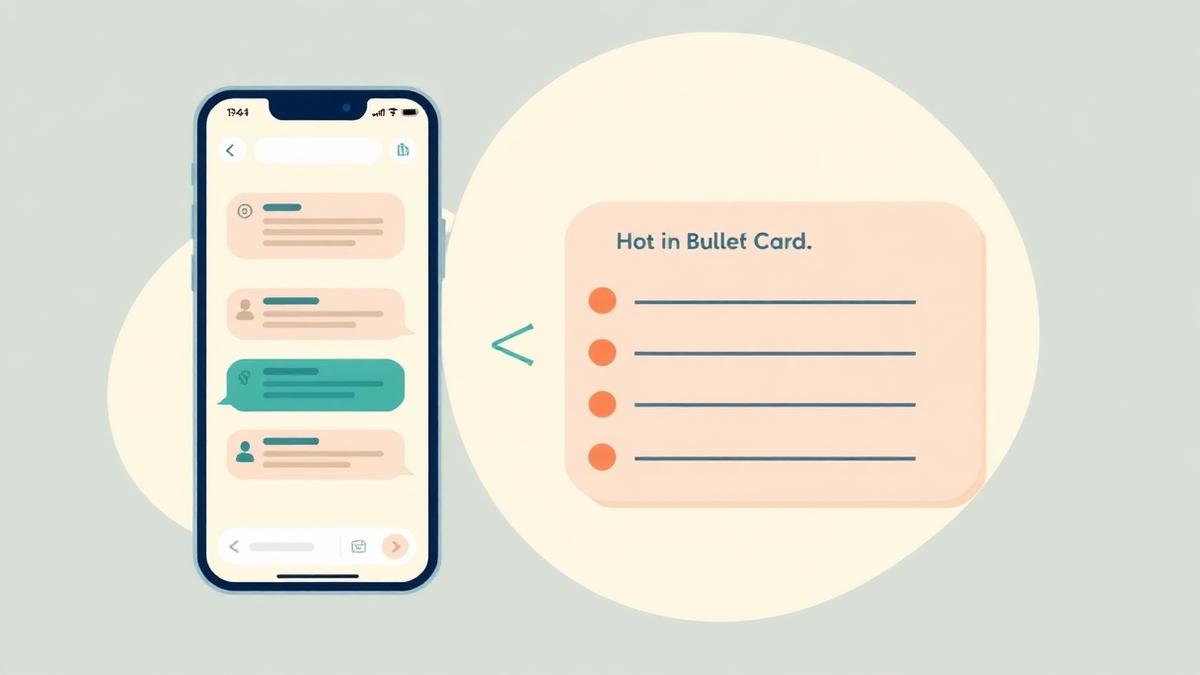
A school group chat can produce hundreds of messages a week. Most of them are stickers and thank-yous — but a few contain a deadline, a payment or something your child needs to bring tomorrow. An AI summary reads the exported chat text for you and pulls out only those parts.
What you need before you start
You only need the chat text itself. Sababa-chat never connects to your WhatsApp account, so nothing is read automatically — you decide exactly what gets uploaded.
- A chat export saved as a .txt or .zip file, or messages copied to your clipboard
- The time period you care about (today, this week, or a custom range)
- The language you want the summary in
Step 1: Export the chat without media
Export the group without media whenever you can. Photos and videos make the file much larger and are ignored during summarizing anyway, so leaving them out keeps things fast and reduces the personal data you move around.
If you already have a .zip export that includes media, that still works — only the chat text file inside it is processed.
Step 2: Upload the file or paste the messages
Upload the .txt or .zip file, or simply paste the section of the conversation you want summarized. Pasting is often the fastest option when you only care about the last day or two.
Step 3: Choose the period and language
Pick the range that matters — a single evening, the past week, or the days before a trip. Then choose the output language, which does not have to match the language of the chat.
Step 4: Read the summary
- Announcements from teachers or the class parent
- Meetings, trips and schedule changes
- Deadlines and forms that need signing
- Payment requests and amounts
- Homework and tasks
- Things to bring, from swimwear to snacks
- Decisions the group reached and what happens next
Tips for better summaries
- Summarize one group at a time so items stay attributable
- Use shorter periods during busy weeks — the output stays specific
- Re-check anything involving money or a deadline against the original message
Privacy note
Chat exports can contain personal information about children, parents and staff. Upload only content you are allowed to process, and remove messages you would rather not share.
Sababa-chat does not connect to your WhatsApp account and cannot see your chat list, contacts, groups or message history. Read the Privacy Policy for the full details.
Sababa-chat is an independent tool and is not affiliated with WhatsApp or Meta.