How to Export a WhatsApp Chat on iPhone
· 4 min read
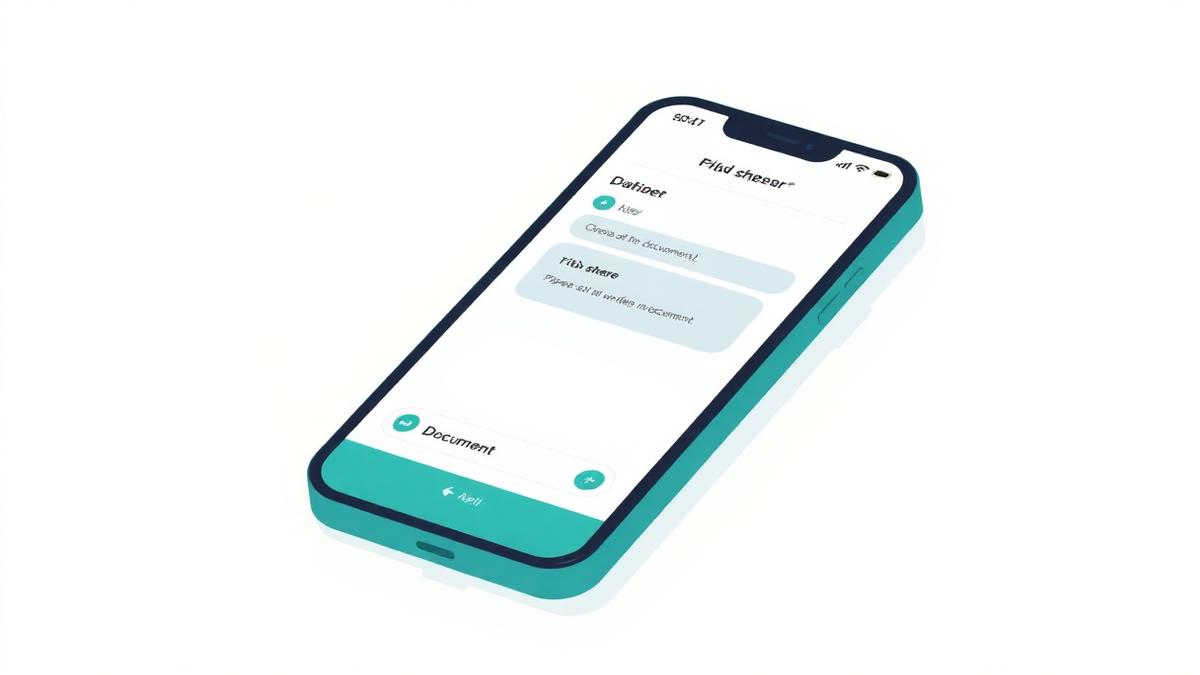
Exporting a chat on iPhone creates a plain text copy of the conversation that you can share like any other file. It is the cleanest way to get a long school group into a summarizer without giving any app access to your messages.
Step-by-step on iPhone
Menu wording can differ slightly between app versions, but the export option is always at the bottom of the chat or group info screen.
- Open the group chat you want to export
- Tap the group name at the top to open the group info screen
- Scroll to the bottom and choose Export Chat
- Select Without Media
- Choose where to send the file — Files, Mail or another app you control
Why choose “Without Media”
- The file stays small and uploads instantly
- Photos and videos of children are not moved anywhere
- Media is ignored when summarizing, so nothing useful is lost
What the exported file looks like
You get a .txt file (sometimes wrapped in a .zip) with one line per message, each prefixed by a date, time and sender name. That structure is exactly what a summarizer needs to work out when something was announced and by whom.
Using the export for a summary
Save the file somewhere you can reach it, then upload it to Sababa-chat and choose the period and language. If you only need last night's messages, copying and pasting them is even quicker.
If the export option is missing
- Update the app to the latest version
- Check the group info screen rather than the chat list
- Very large groups may need a moment before the share sheet appears
Privacy note
Store the exported file only as long as you need it, and delete it afterwards. It is a full copy of the conversation, including other parents' phone numbers and names.
Sababa-chat does not connect to your WhatsApp account and cannot see your chat list, contacts, groups or message history. Read the Privacy Policy for the full details.
Sababa-chat is an independent tool and is not affiliated with WhatsApp or Meta.